-9 hrs
Per week, scheduling
No more whiteboards on Monday mornings. The schedule keeps itself.
A live Gantt of your whole shop - design, CNC, edge banding, assembly, spray, install - alongside the supplier statements and meetings that hold it all together. Drag a bar; everything downstream moves with it.
No more whiteboards on Monday mornings. The schedule keeps itself.
Design, CNC, edge, assembly, spray and install each get their own crew and lead time.
Spot a CNC bottleneck three weeks out, not three days out.
Site measures, client reviews and supplier statements are pinned in one view.
Every project broken into its stages, with crew and machine assignments built in. The today-line walks across the screen so you always know what's overdue, what's on track, and where you've got slack.
Push the Harper kitchen back three days because Polytec is late. CabiPro pulls every downstream stage with it and nudges the projects sharing your CNC and assembly bench so nothing collides.
Site measures, client meetings, stage due dates and supplier statements, all on the month grid. The view you open with a coffee.
Every project, lot and stage as a bar across the week, coloured by status. Flip to monthly or quarterly when you need to look further out.
A column per stage and a card per lot, with what's overdue or due this week counted up top. Drag a card on when a stage is done.
When a job moves, the crew on the next stage, the customer on the install day, and the supplier with a PO get a clean message. No group chats, no missed threads, no whiteboard erased on Friday.
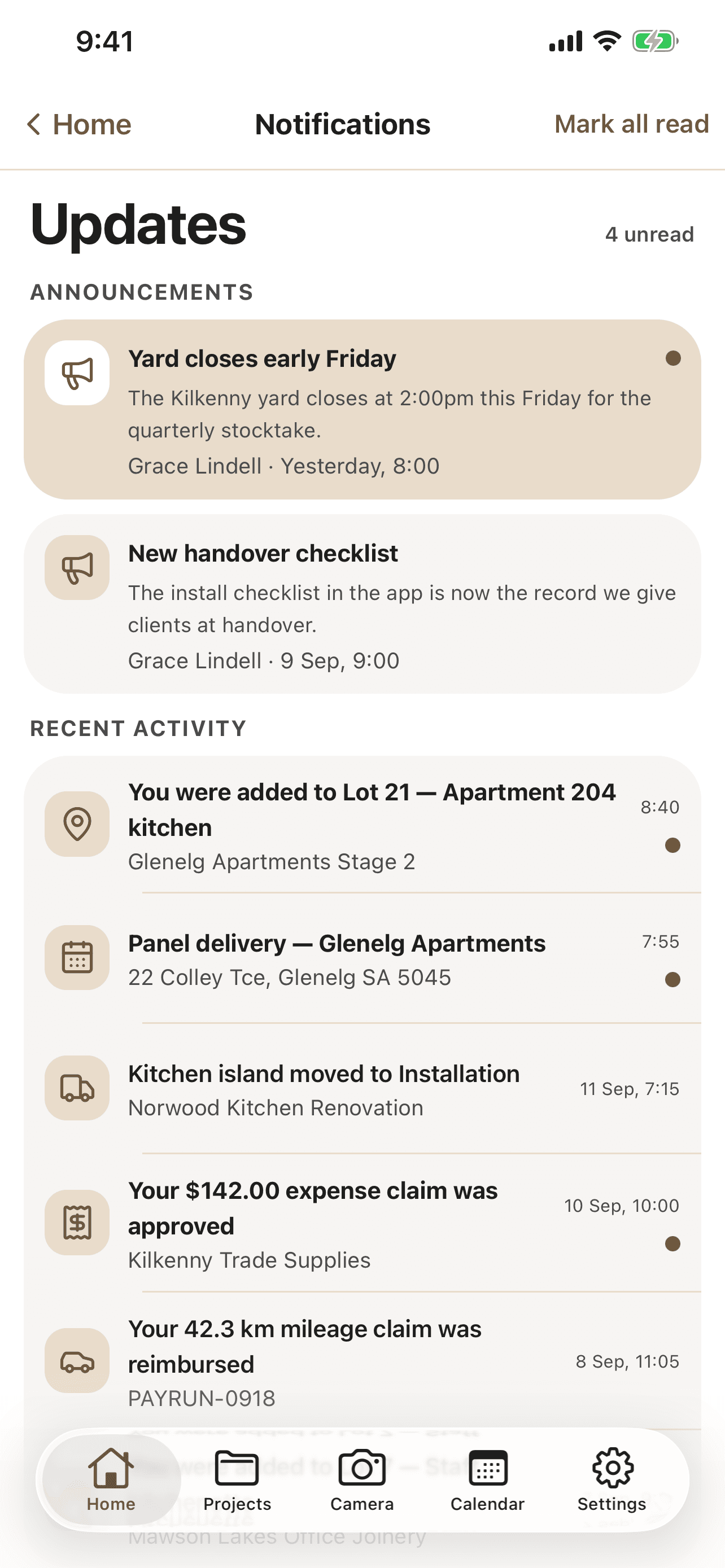
When a stage shifts, the people on the next stage get a push notification with the new start time and a one-tap "got it."
The customer gets one text 48 hours out and one the morning of install. Replies thread back into the job record.
If a stage is creeping over 85% loaded six weeks out, you get a quiet morning email before it becomes a fire.
CNC can't start before design signs off. Install can't go before assembly. Set the rules once; the schedule respects them on every drag.
The vertical "now" marker walks across the screen so you can tell at a glance what is slipping, caught up or not started.
Push your install dates and site measures to Google Calendar, iCloud or Outlook. Customers can add an event from the SMS reminder.
Mark Tom as "edge-band qualified" and Eva as "spray-trained." CabiPro will not assign work to someone who cannot do it.
Every install notification, SMS reply and "running 30 min late" message lives on the job record.
See your CNC, edge bander and spray booth as their own rows. Hard to hide a bottleneck once you can see it three weeks out.
The team's on the phone Mon-Sat, and most shops are scheduling on CabiPro within their first week.
CabiPro can drive a wall-mounted shop dashboard that shows today's running order, who's on what, and what's coming next. Crew tap into it to mark stages complete. Phones optional.
Yes - pin an install date, a customer-promised completion or a delivery window and CabiPro will route around it. If something genuinely can't fit, you'll see the conflict before it happens.
Job templates carry their own time estimates per stage. After a few jobs CabiPro adjusts those estimates against your real performance, so over time the schedule gets more accurate.
Yes. The crew view collapses to one row, the load view shows just you, and the timeline becomes a clean week-by-week plan of your own time.
No - supplier visibility is internal to your shop. They just get the PO and payment when due. The statement pin sits on your timeline so you do not miss it.
Approved quotes turn into scheduled jobs in one click. Cut list, material reservation and production slot all booked at the same time.
Explore quoting03 - Materials & inventorySheets arriving on a delivery? Pin it on the schedule. Supplier statement due Friday? It shows up beside the work it supports.
Explore materialsBring your current month - every job, every install date, every supplier statement - and we'll rebuild it as a CabiPro schedule together. You'll see conflicts within the first few minutes.
We use essential cookies to keep CabiPro working. Google Analytics and advertising cookies help us see how the site is used — they stay off until you say yes. Privacy policy
